Casky
Install and update apps and command-line tools from Homebrew and the Mac App Store. Save what's installed as a setup and apply it on another Mac, or export it as a Brewfile, an Ansible playbook or a nix-darwin flake.

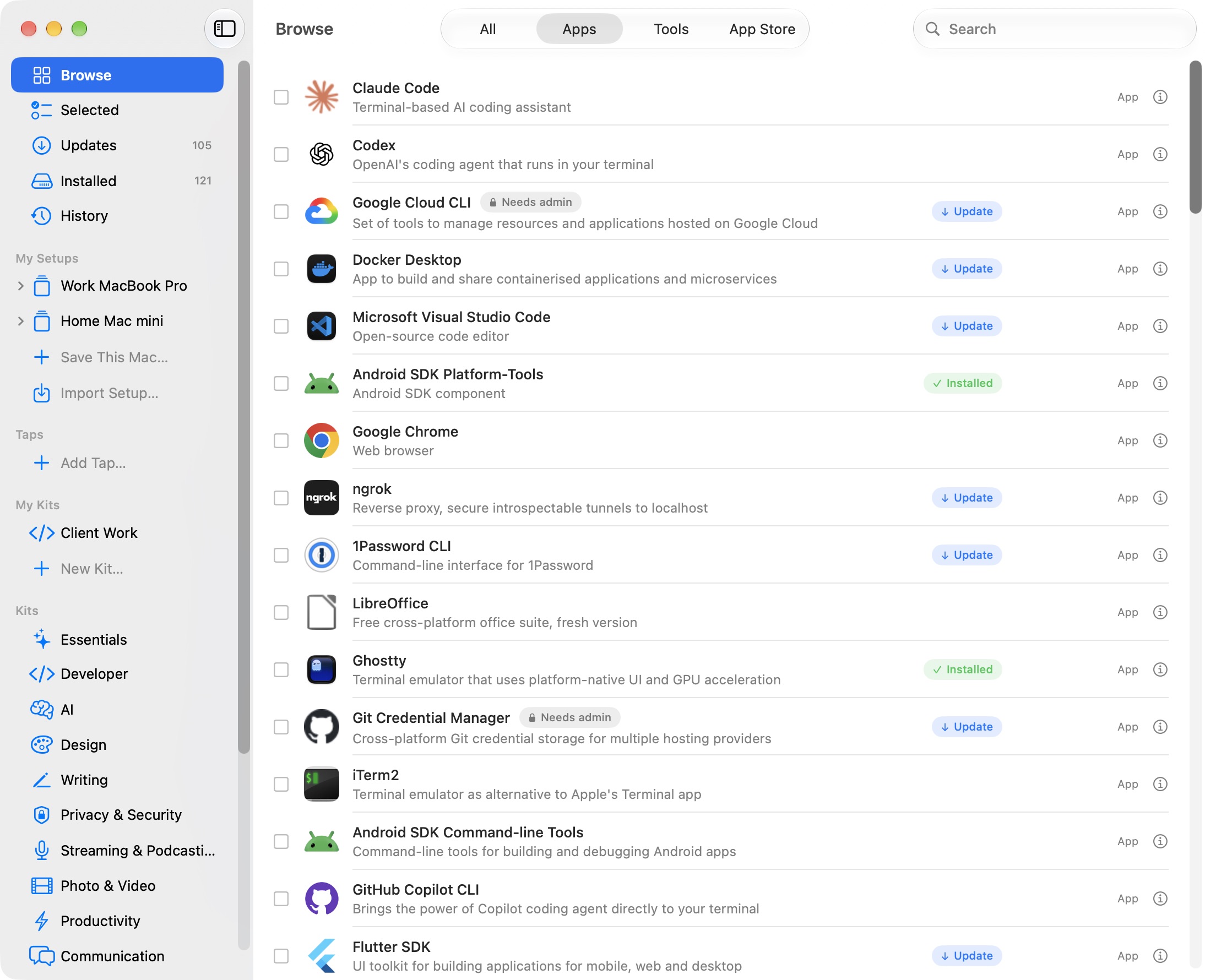
Features
Updates
Everything with an update in one list: Homebrew apps and tools, App Store apps, and apps that update themselves. Update all of them or just the ones you pick, and keep any app on the version it's on.
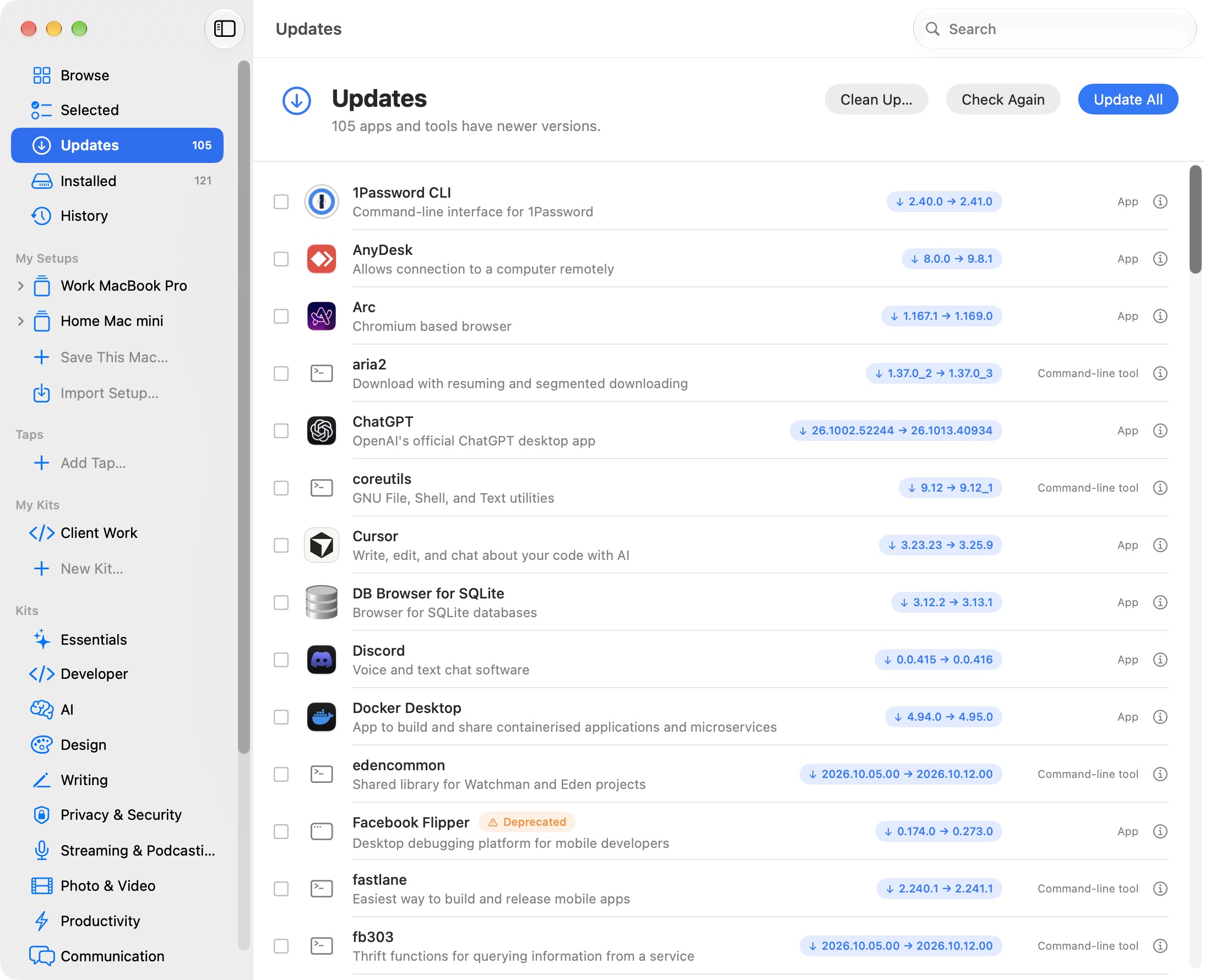
Kits
Lists of apps grouped by use, such as development, design and AI. You can make your own.
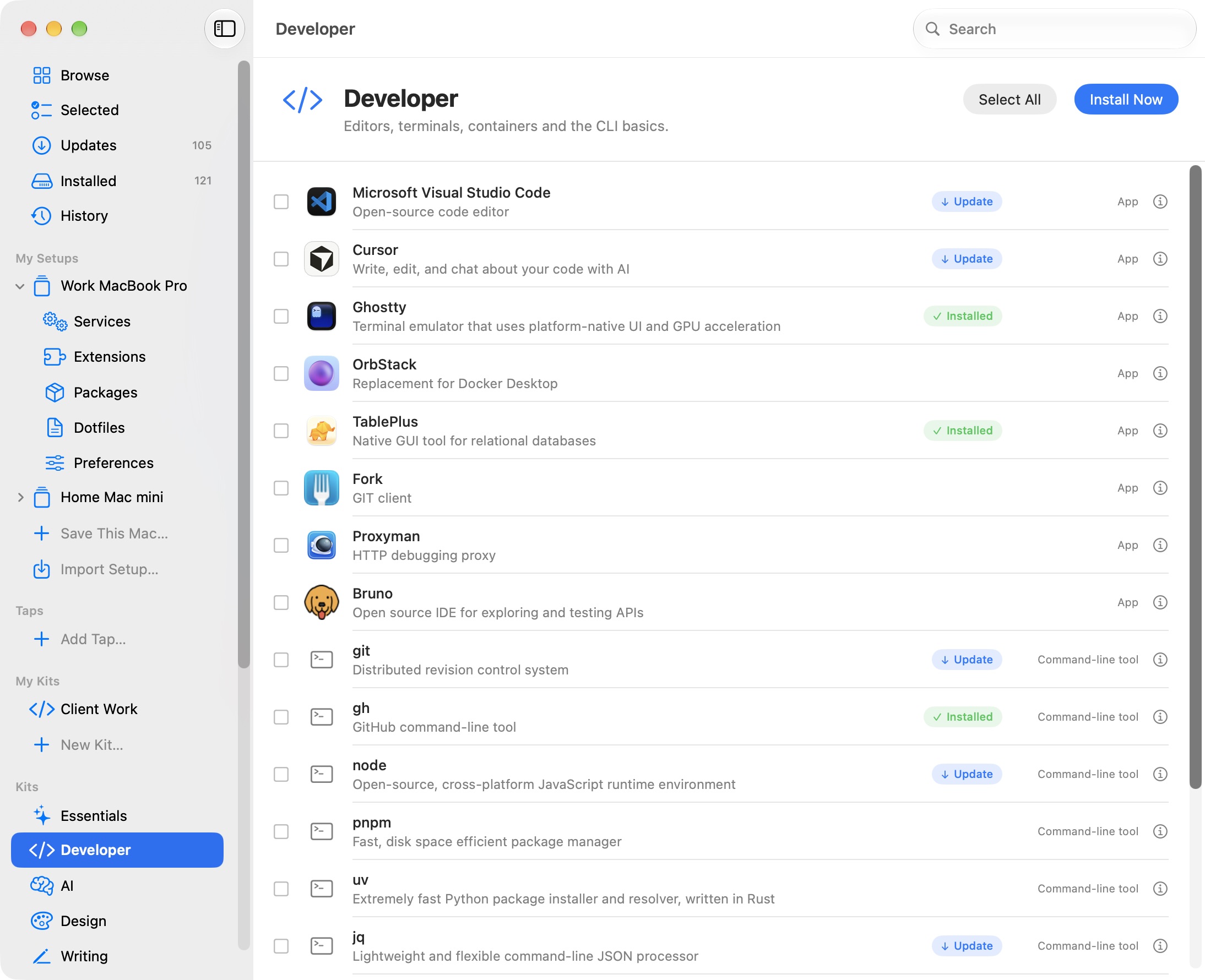
Setups
A setup is a list of what a Mac should have: apps and tools, Homebrew services, VS Code and Cursor extensions, npm, pipx, uv and Cargo packages, dotfiles and Mac settings. Apply it and Casky goes through each step, with a log for each one.
- Install 41 apps and tools
- Start postgresql@17
- Add 12 VS Code extensions
- Install 6 npm and uv packages
- Link dotfiles
- Apply Dock and Finder settings
Package rules
Keep a package updated, hold it at its current version, or remove it. Replace one formula with another, such as node with node@22.
Dotfiles and defaults
Links or copies files from a Git repository and backs up the files it replaces. Sets Dock, Finder and keyboard preferences, or any defaults key.
Services
Starts and stops Homebrew services, and sets which ones run at login.
Command line
casky apply work.casky.json applies a setup from Terminal. --dry-run lists the steps first.
iCloud Drive
Keeps your setups and kits in iCloud Drive, so they show up on every Mac you use.
Clean Up
Removes old versions, cached downloads and dependencies nothing uses, and tells you how much space you'll get back before it starts.
Compare
Each setup shows what this Mac is missing, and what this Mac has that the setup doesn't. Add the extras to the setup if you want them.
Menu bar
Shows when updates are waiting and runs Update All. Casky checks every few hours and can notify you.
Updates itself
New versions of Casky install from inside the app.
Installed
Everything Homebrew and the App Store put on this Mac, in one list. Uninstall from there, from any list, or with ⌘⌫.
Installs side by side
Downloads everything first, all at once. App Store apps, editor extensions and packages install alongside Homebrew instead of waiting their turn.
Quick Look
Press Space on any app or tool for its version, license, popularity and the commands it adds.
Exports
Export a setup as a Brewfile, an Ansible playbook, a nix-darwin flake, or a .casky.json file to import on another Mac.
homebrew = {
  enable = true;
  onActivation.upgrade = true;
  brews = [
    "git"
    { name = "postgresql@17"; start_service = true; }
  ];
  casks = [
    "ghostty"
    { name = "slack"; greedy = true; }
  ];
  masApps = { "Xcode" = 497799835; };
};
system.defaults.CustomUserPreferences = {
  "com.apple.dock" = {
    autohide = true;
    tilesize = 48;
  };
};
# ansible-galaxy collection install community.general
- name: "Install apps"
  community.general.homebrew_cask:
    name: [!unsafe "ghostty", !unsafe "slack"]
    state: present

- name: "Set Automatically hide and show the Dock"
  community.general.osx_defaults:
    domain: !unsafe "com.apple.dock"
    key: !unsafe "autohide"
    type: bool
    value: true
  notify: "Restart Dock"
Release Notes
Needs macOS 26 or later.